

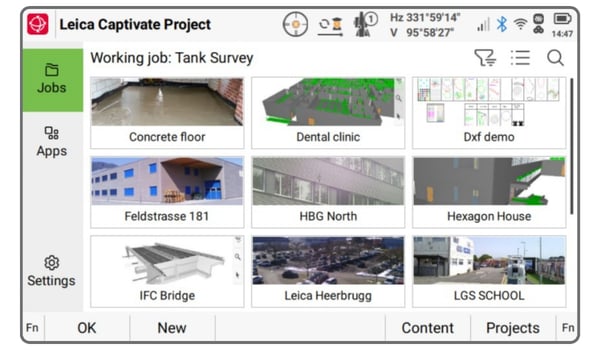
 Project-Based Workflow
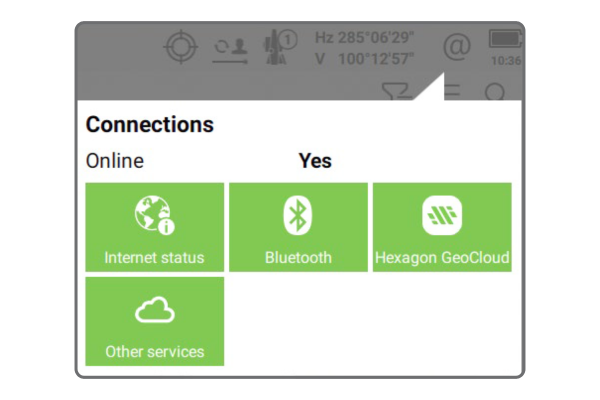
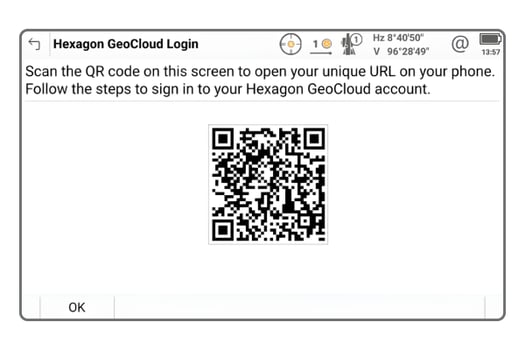
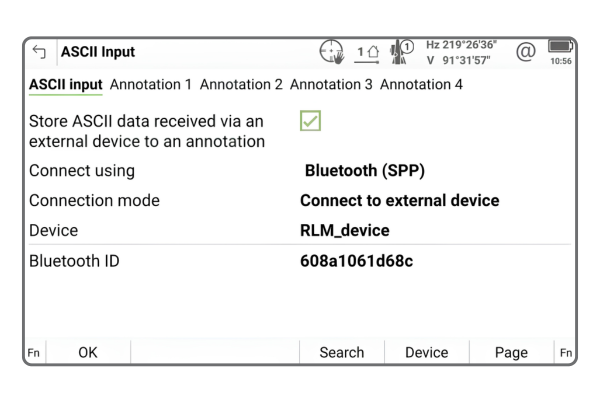
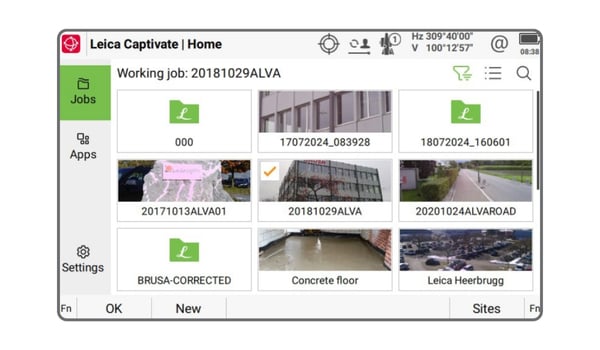
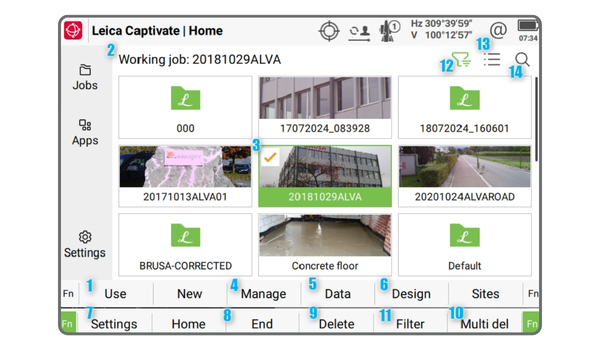
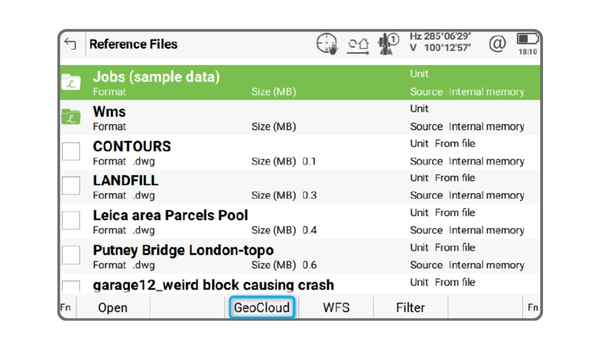
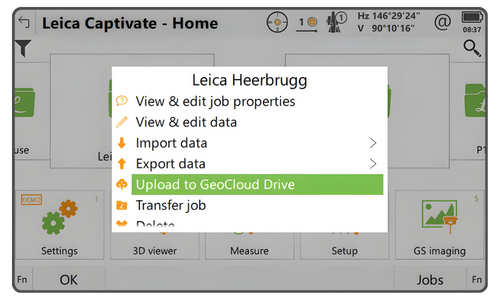
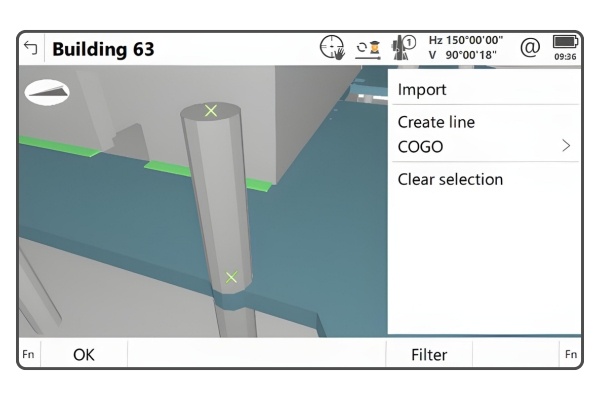
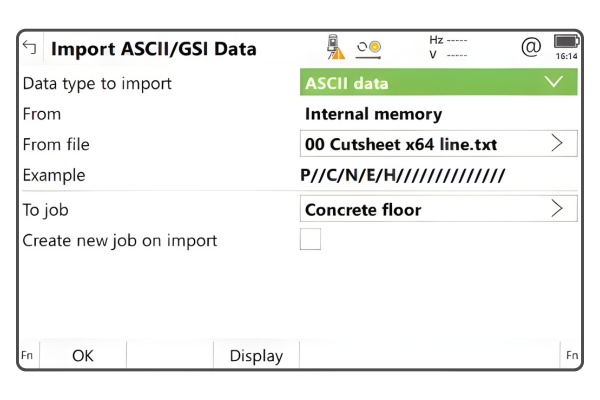
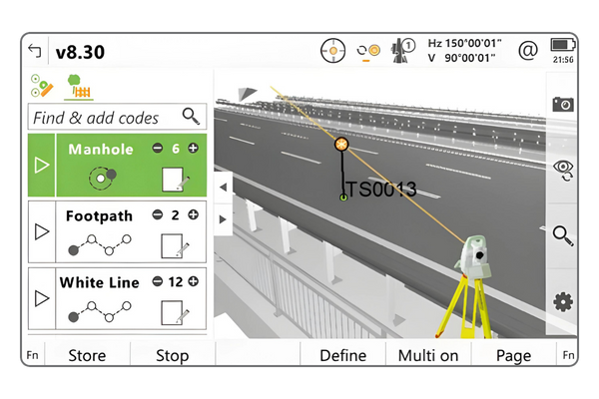
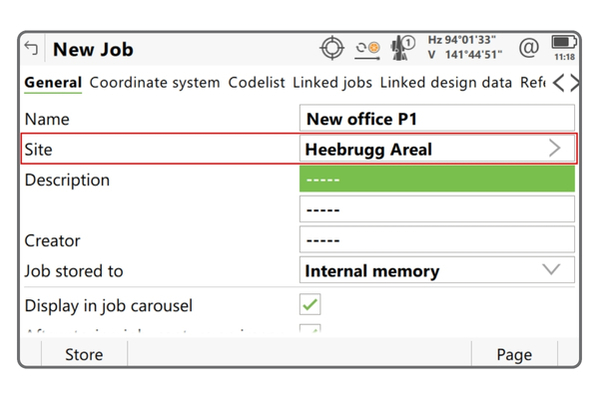
Leica Captivate 2027 v1 introduces a new approach to data management based on collaborative projects as a new way of organising survey data. Projects become the primary container for jobs, design data, reference files and other related content, allowing data to be grouped according to the user's preferred project structure. Both field and office software make use of the same project data and structure, allowing data to be easily and directly shared between the
two platforms.
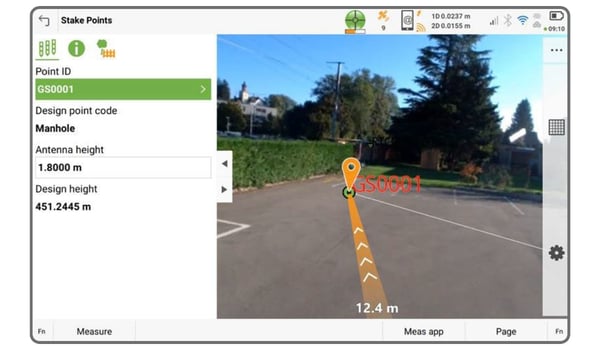 Visual stakeout – GS18 I
Leica Captivate 2027 v1 introduces Visual Stakeout, providing a new way of
navigating to stake out points using the live camera view from the GS18 I sensor.
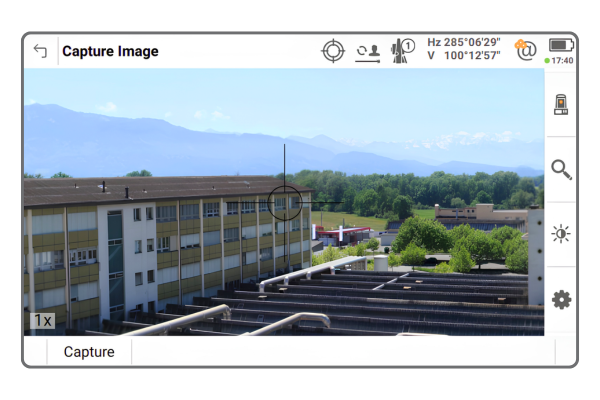
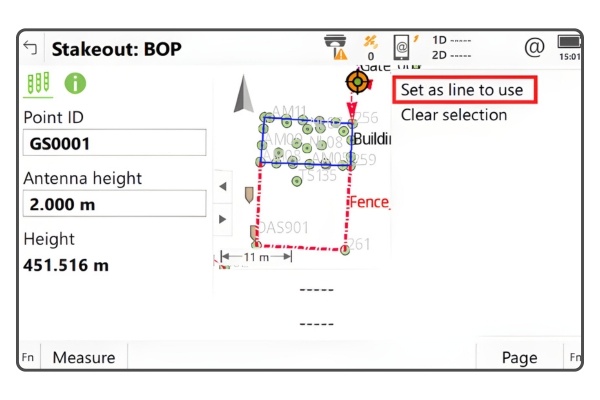
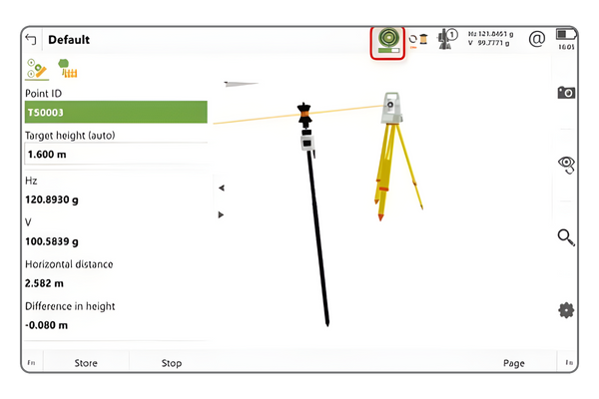
Visual Stakeout combines camera imagery with positioning and orientation information to provide visual guidance towards the target point directly within Captivate. Integrated into the Stake Points app, the feature allows to switch between the traditional stakeout view and a camera-based navigation view, helping locate and approach target points more intuitively.
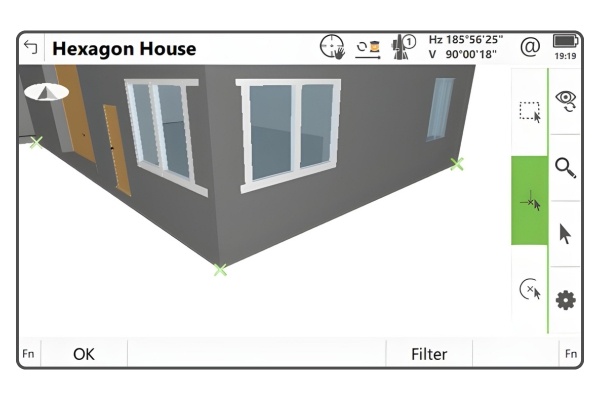
In addition, the Measure app now supports camera-based inspection workflows using the GS18 I live video stream. Users can review measured data directly within the camera view and display design data or reference files as overlays, making it easier to verify site coverage, inspect collected information and compare measured or design content against real-world conditions.
Visual Stakeout is available when working with a GS18 I sensor and requires a WLAN connection.
AI-Assisted RTK PositioningLeica Captivate 2027 v1 and Leica Captivate v12.00 introduce AI RTK, an AI-based GNSS signal classification technology that detects and mitigates Non-Line-of-Sight (NLOS) signals during RTK positioning. By reducing the impact of NLOS signals, AI RTK enhances positioning performance, enabling higher productivity in challenging environments such as urban canyons and areas with dense tree canopy. AI RTK is a configurable option available within the Advanced section of the RTK Rover Settings. The option becomes available once a GS sensor is connected to the field controller
Current position as RTK Base position – Web serverThis new Leica Captivate release introduces the ability to apply the current navigated position as the RTK base position through the GS Web Server, simplifying base station setup workflows.
Improved tilt compensation (GS18 T, GS18 I and GS05)From Leica Captivate 2027 v1 and Leica Captivate v12.00 onwards, refined inertial navigation algorithms have enhanced the tilt compensation performance for the GS18 T, GS18 I, and GS05, particularly under challenging tilt and GNSS conditions. More robust tilt compensation with faster initialization delivers a smoother user experience and increased productivity.
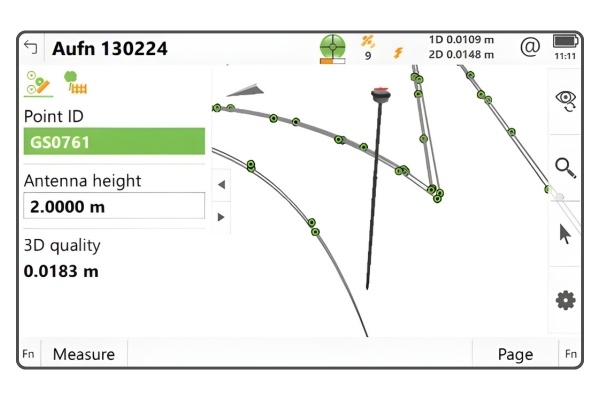
These improvements also have a positive effect on the overall quality of Image Groups recorded with the GS18 I.
Updated tilt uncertainty specification (GS18 T and GS18 I)Based on the improvements above, the tilt compensation specification of the GS18 T and GS18 I under open sky has been updated as follows:
Previous specification: less than 2 mm + 0.3 mm/° tilt, up to 30° tilt.
New specification: less than 2 mm + 0.15 mm/° tilt, up to 60° tilt.
Leica Captivate 2027 v1 and Leica Captivate v12.00 can be loaded onto the supported hardware listed with a software maintenance (CCP) date valid until at least:
Previous Software Updates